
Supported Devices
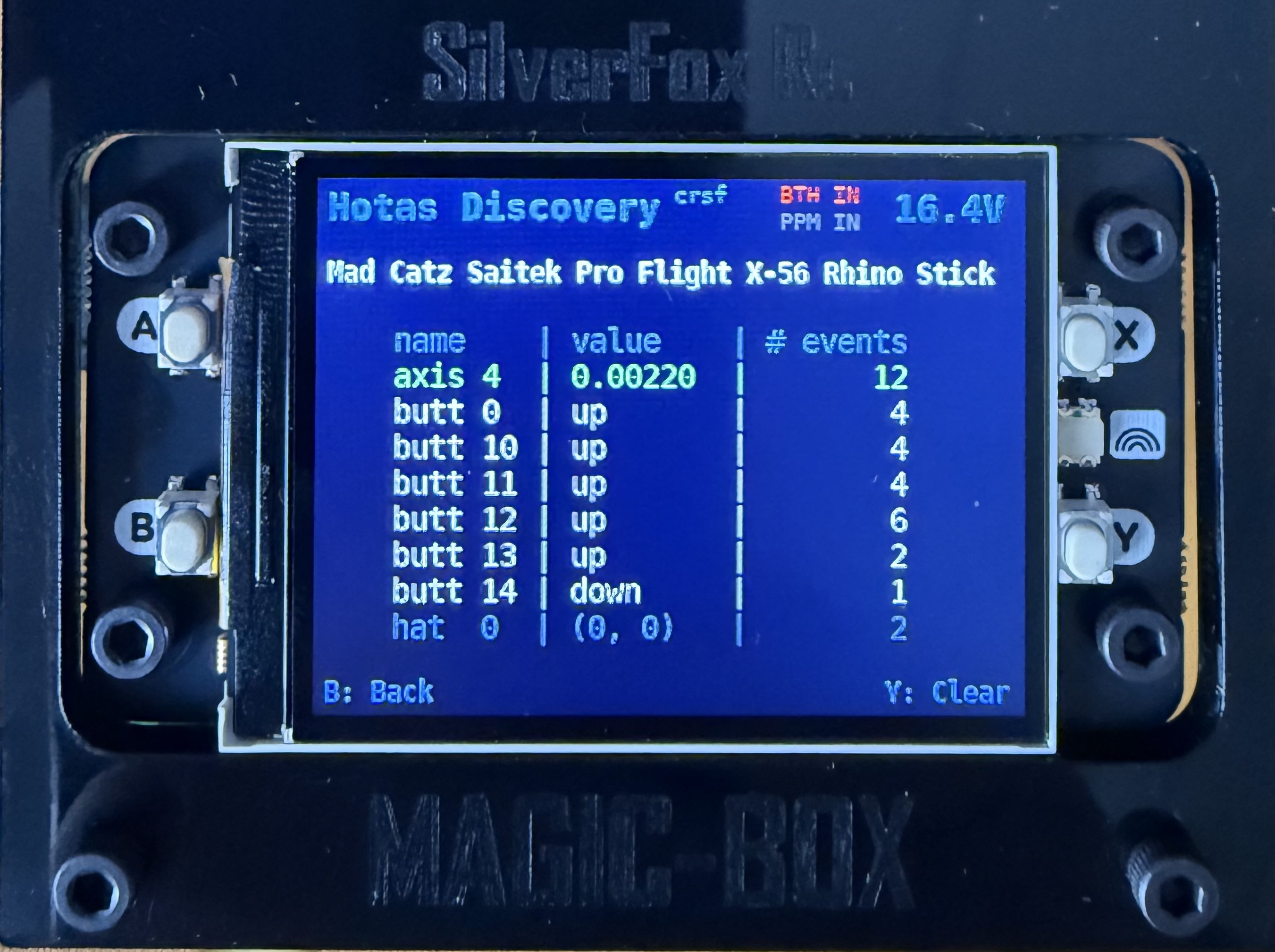
Magic Box ships with pre-configured profiles for two popular HOTAS systems. Anything else with a USB joystick interface works through the generic USB HID driver — bring your own bindings via the Web UI.
Pre-configured (ready to fly)
Section titled “Pre-configured (ready to fly)”| Device | What’s included |
|---|---|
| Logitech X56 HOTAS System | Joystick + throttle + (optional) rudder |
| WinWing Orion 2 / F-16 | Joystick + throttle + rudder pedals |
To use one:
- Plug the device into a USB port on Magic Box.
- Power up. Wait ~30 seconds for boot.
- Connect to the Magic Box Web UI from your phone or laptop.
- Open Profiles.
- Pick the profile matching your gear.
- Open Channels and wiggle every stick, button and switch — confirm the live preview moves where you expect.
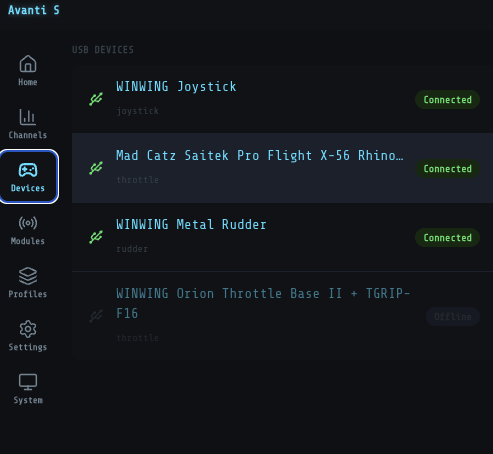
That’s it. Once your gear is plugged in, the Web UI’s Devices screen lists every USB device Magic Box sees — joystick, throttle, rudder, throttle base — with a live Connected / Offline status next to each.
Generic USB joysticks
Section titled “Generic USB joysticks”Anything that shows up as a USB joystick on a PC will work on Magic Box. You’ll just create your own profile through the Web UI — name your axes, buttons, switches and knobs, and assign them to RC channels. No file editing.
Devices known to work
Section titled “Devices known to work”Confirmed working through the generic driver. Not pre-configured — you’ll define the bindings yourself, but the hardware is recognized cleanly.
| Brand | Devices |
|---|---|
| Logitech | Extreme 3D Pro, Attack 3, Force 3D Pro, WingMan series, G940 Flight System, Av8r-01, Throttle Quadrant |
| Thrustmaster | T.Flight Hotas X, T.Flight Hotas One, T.16000M FCS (joystick + HOTAS variants), TWCS Throttle, Warthog HOTAS, Cougar HOTAS |
| Saitek / Logitech | X52, X52 Pro, X55 Rhino, Aviator, Cyborg series |
| CH Products | Eclipse Yoke, Throttle Quadrant, Fighterstick, Combatstick, Pro Throttle, Pro Pedals |
| VKB | WarBRD base, BRD rudder pedals, Gladiator series, Gunfighter series |
| Microsoft | Sidewinder racing wheel |
| Radios in USB joystick mode | RadioMaster TX16S, Jumper T-Lite |
| Generic USB HID | Most USB HID-compliant joysticks and gamepads — recognized automatically |
Diagnostic check
Section titled “Diagnostic check”Device not listed? Plug it in and check the Web UI:
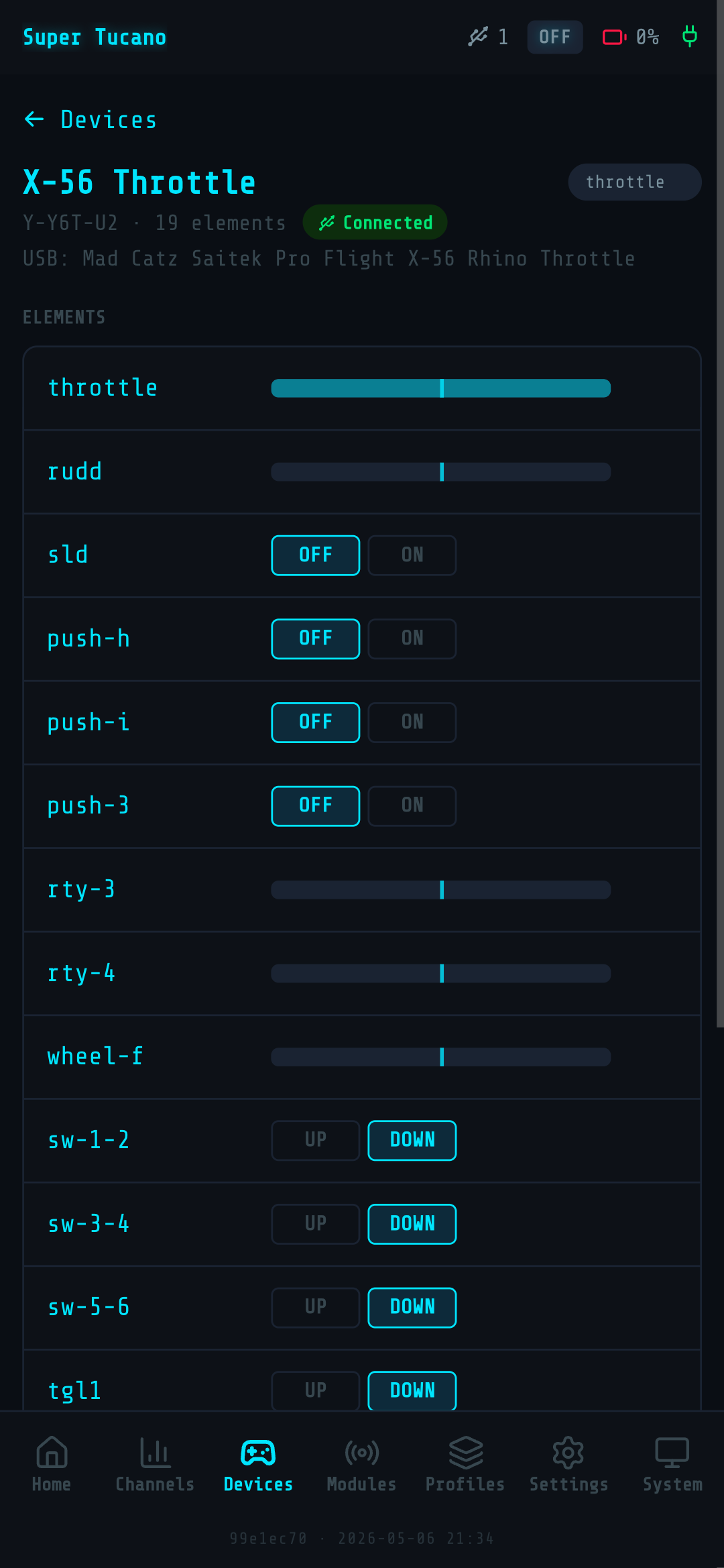
- Open Devices — your joystick should appear in the list with a Connected badge.
- Tap on it to open the device view. The Elements section shows live values for every axis, button, and switch already bound.
- Wiggle the stick, press buttons, flick switches — values should update in real time.
If the device appears as Connected and live values move, Magic Box sees it; you can bind it. If it doesn’t show up at all, the device isn’t being detected.
If you build a profile that works, share it on the SilverFox RC Facebook group and we’ll add it to the pre-configured list.
Gear bound and channels moving? The last piece is what comes out of Magic Box — Output Signals covers picking the protocol your radio wants.