
Quick Setup
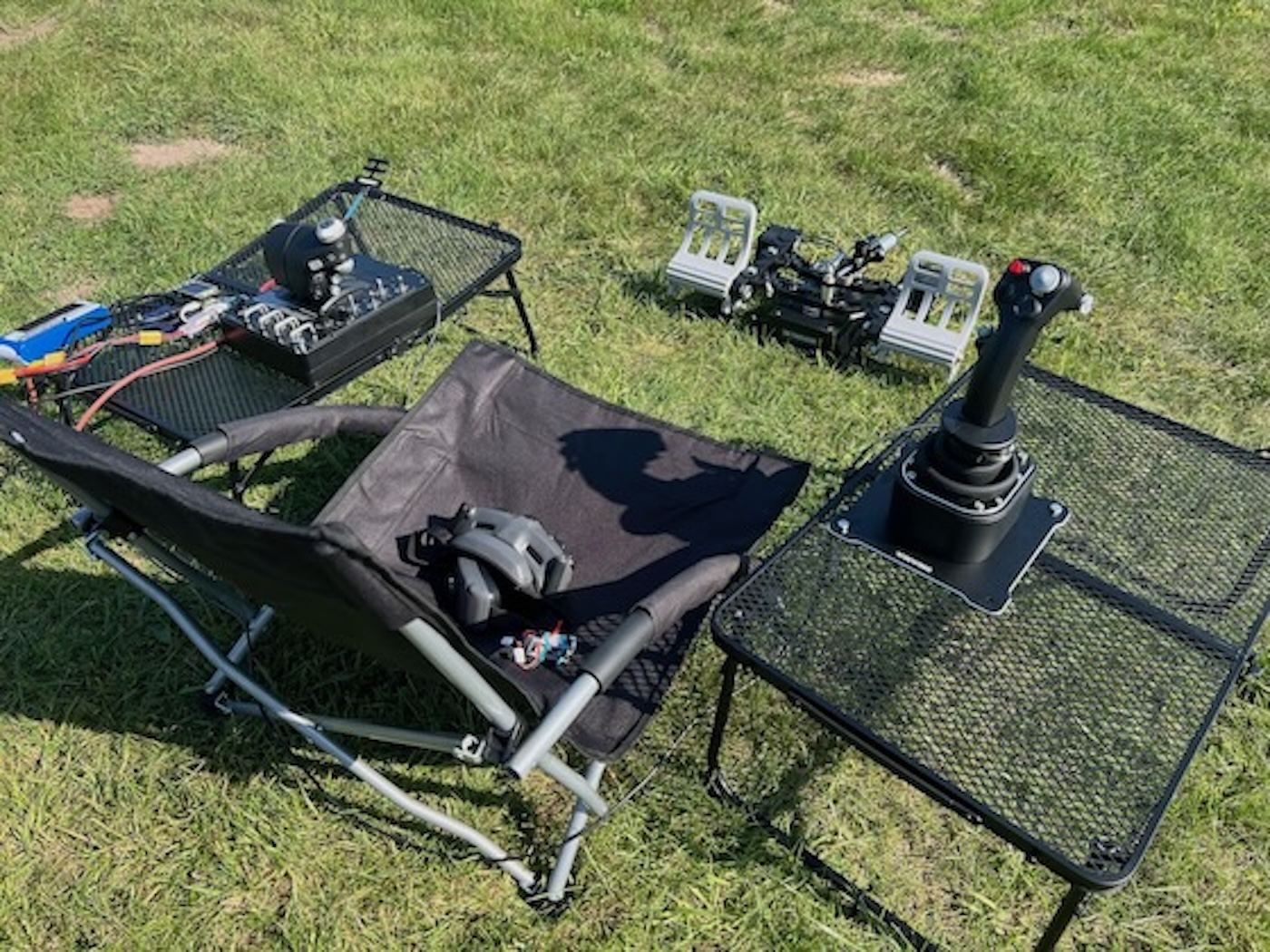
The fastest path from unboxing to a moving servo: the supplied 3.5 mm jack into your radio’s trainer port. Five steps, no Web UI yet.
Five steps
Section titled “Five steps”- Connect Magic Box to your radio. Plug the supplied 3.5 mm jack cable into Magic Box’s PPM port. The other end goes into your radio’s trainer port.
- Plug in your USB devices. Joystick, throttle, pedals, switch panel — up to 4. Hot-plug works, but a clean boot is more reliable.
- Power Magic Box. 3–6S LiPo via the XT60 connector. USB alone won’t run a full HOTAS rig.
- Bind your receiver to your radio. Standard binding flow for your radio system — Magic Box isn’t involved yet, just your radio and the RX talking to each other.
- Wire the receiver into your model and test. Plug a servo into the bound channel, move the matching axis on your HOTAS, watch the servo move. That’s the chain end-to-end.
That’s the rig. From here it’s all Web UI.
Setup walkthrough
Section titled “Setup walkthrough”What’s next
Section titled “What’s next”Servos move? Time to bind the rest of your HOTAS:
- Connect to the Magic Box Wi-Fi (
MagicBox-XXXX) and open the URL on the Magic Box screen — that’s the Web UI. - Flying with X56, WinWing or another popular HOTAS? Load a profile from Supported Devices.
- Using SBUS, IBUS or CRSF, or wiring a TX module directly to Magic Box? See Output Signals.