Fly Your Real RC Plane
with Your Sim HOTAS
SilverFox Magic Box takes your sim cockpit — joystick, throttle, pedals, head tracker — and flies your real RC plane with it. Thrustmaster, Winwing, Virpil, VKB, Logitech. Configure everything from your phone. No laptop. No YAML. No BS.
What Magic Box Actually Does
Full Cockpit, Not One Stick
Up to 4 USB devices at once — joystick, throttle, pedals, custom panel. Thrustmaster, Winwing, Virpil, VKB, Logitech.
Works with Your Existing Gear
Your radio link, your receivers, your flight controller — Magic Box speaks to what you already fly. No new radio required.
Configure from Your Phone
Web UI with live channel bars, sniffer, profiles, transforms. No laptop in the field.
Head Tracker Integration
PPM input + built-in mixer. Your head moves the gimbal, your hands fly the plane.
From Unboxing to First Flight
Plug in your HOTAS
Connect your USB joystick, throttle, pedals — up to 4 devices simultaneously.
Configure from your phone
Open Web UI, set channels, transforms, expo curves. Live preview with channel bars.
Connect and fly
Plug the output into the RC link you already fly. You're in the air with real controls.
See It in Hand
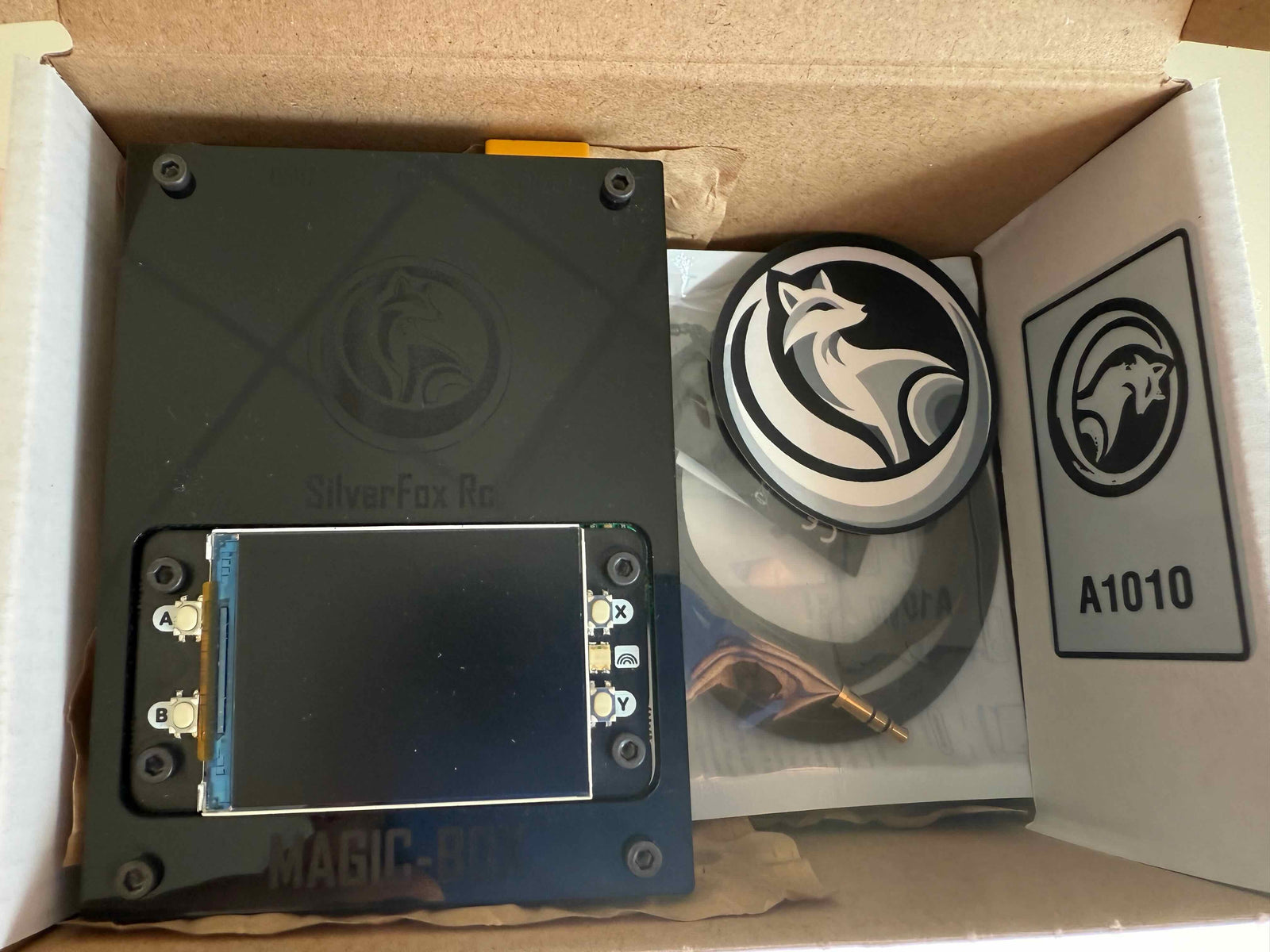
The hardware up close.
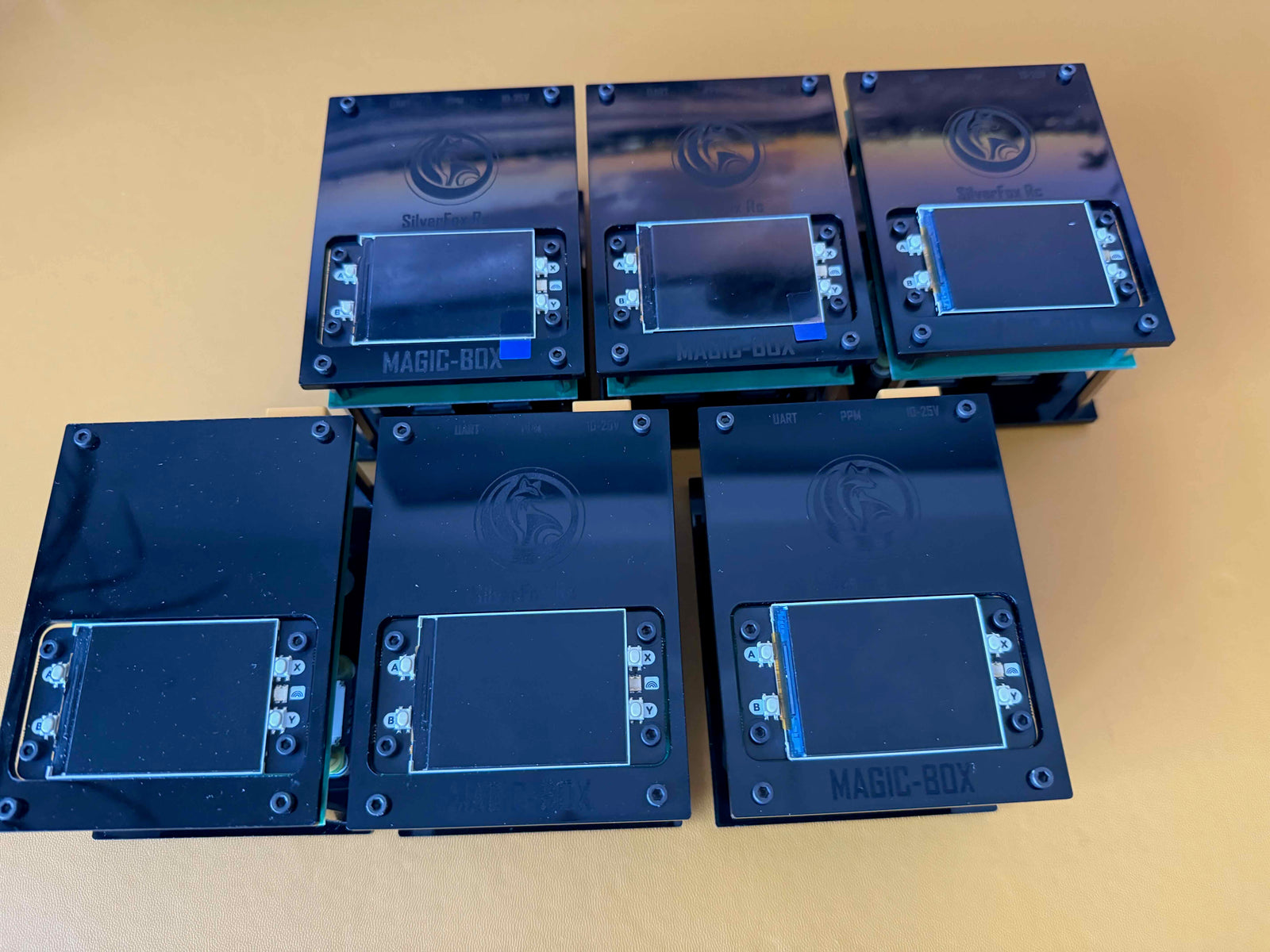
Rig Setup
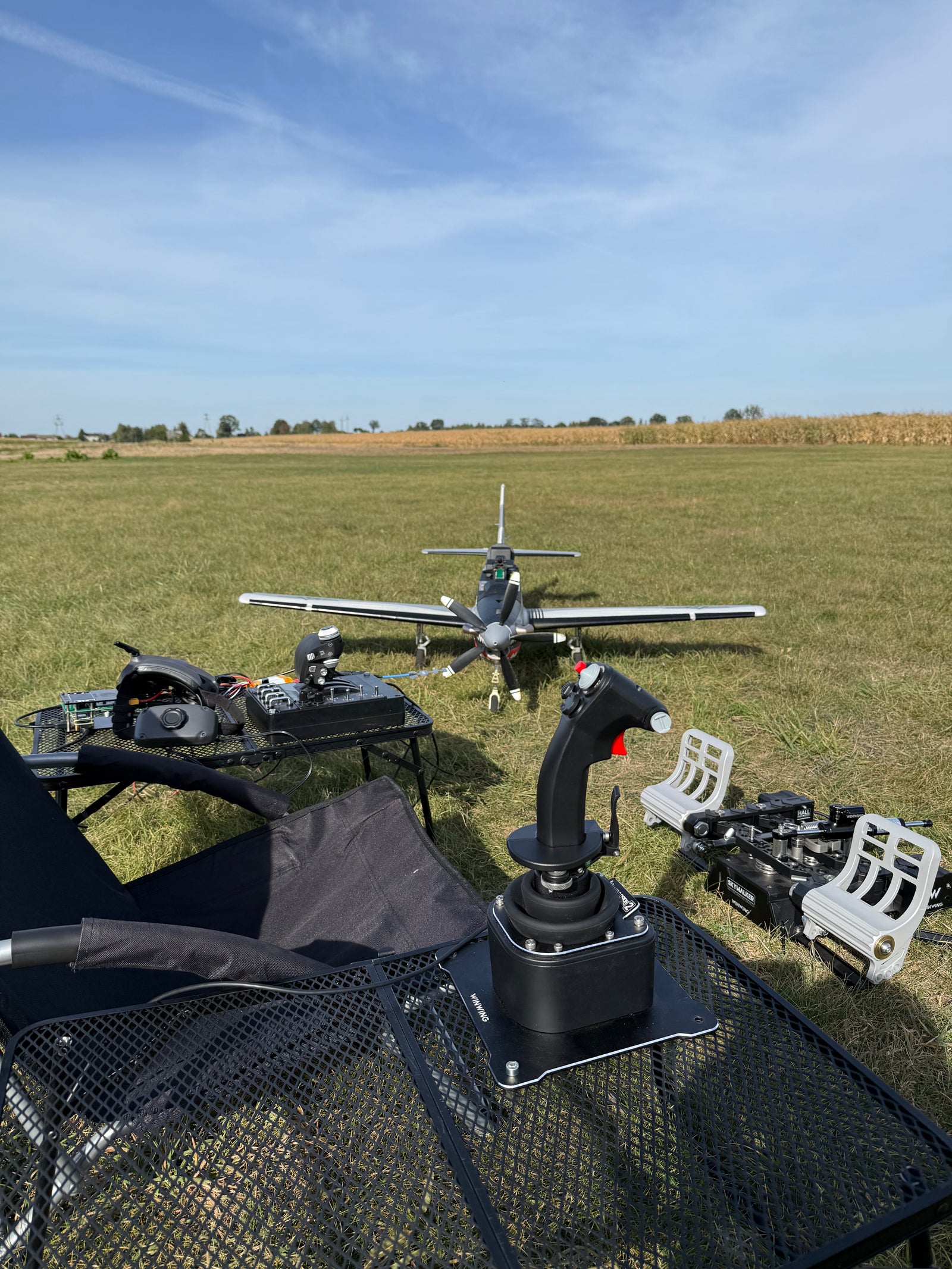
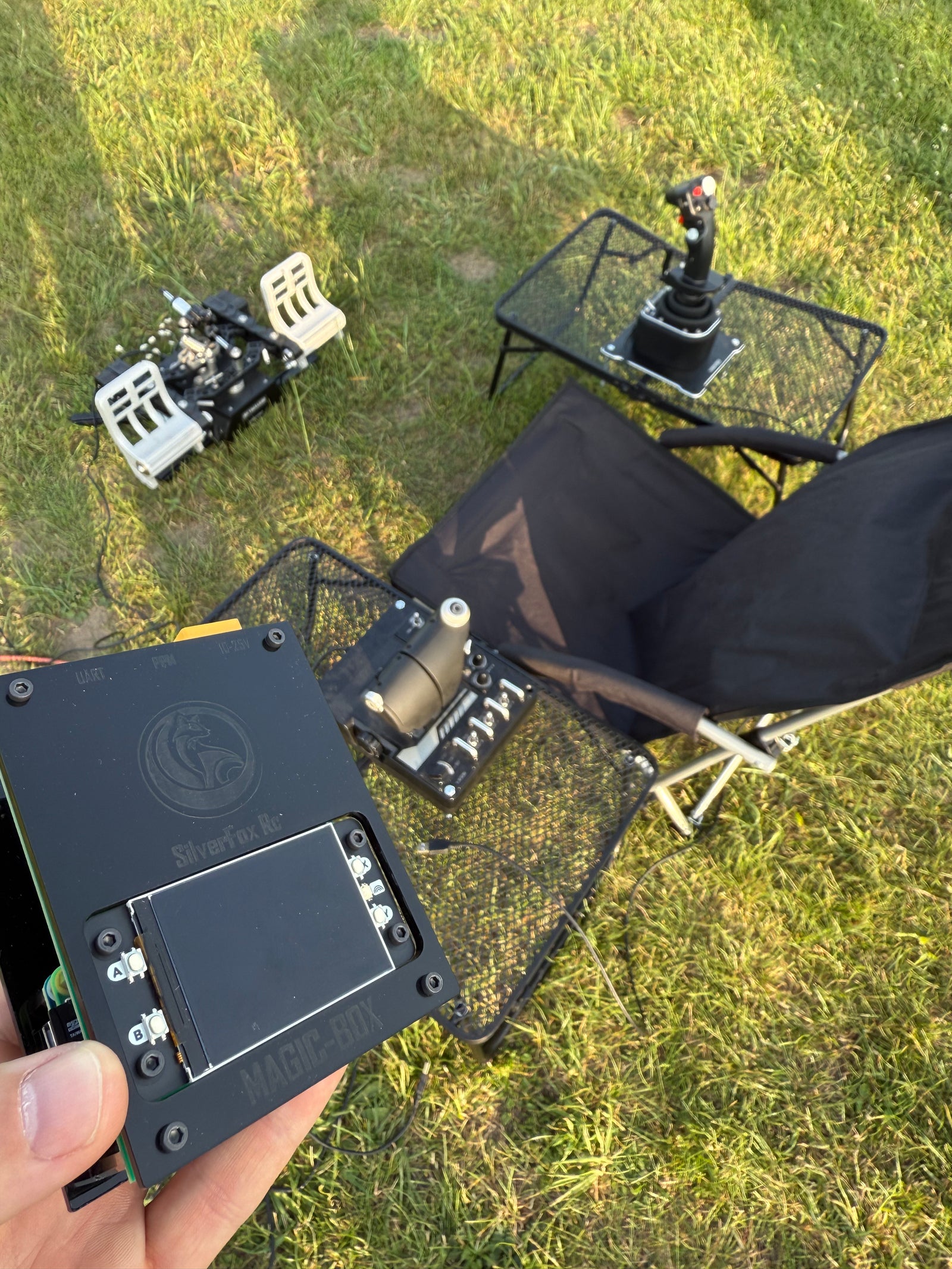
Connecting joystick, throttle and pedals into a portable cockpit driven by Magic Box.
The Web UI — on Your Phone
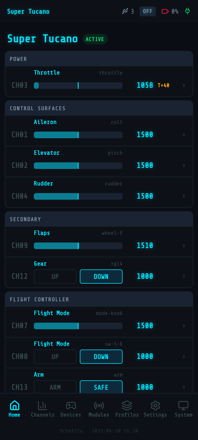
Connect to the MagicBox-XXXX WiFi access point, open the URL in your browser. Configure channels, profiles and transforms — no laptop, no install.
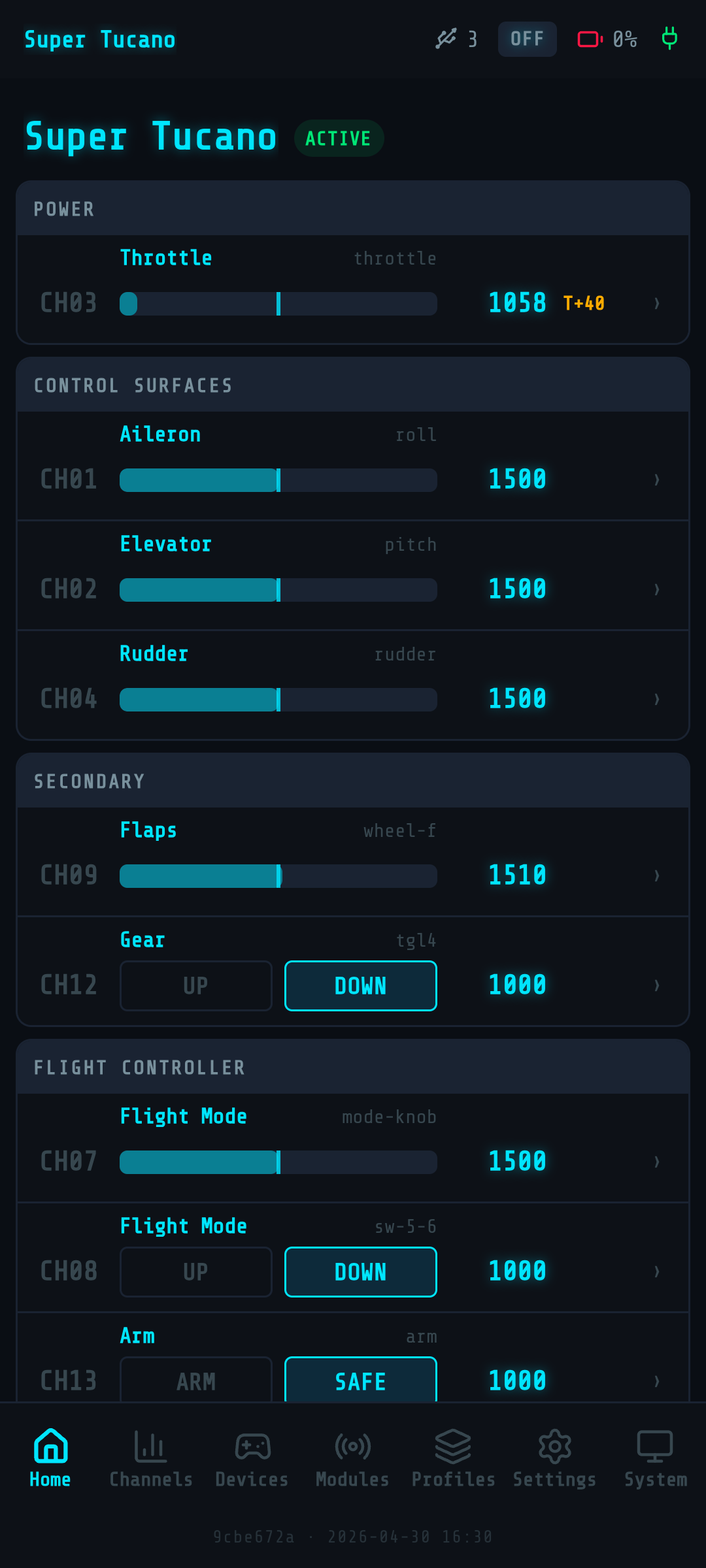
Your cockpit, in your pocket.
Every channel, every value, refreshed live at 20Hz over WebSocket. Throttle, control surfaces, flight modes — all visible at a glance, configurable with a tap. No laptop on the bench, no app to install.
- 16 channels grouped by function
- F-22 Raptor dark theme — readable in cockpit lighting
- Tap any channel to edit binding, expo, trim
The App, Right in Your Pocket
No install. Connect to the MagicBox-XXXX WiFi access point, open the URL in your browser. Five screens, total control.
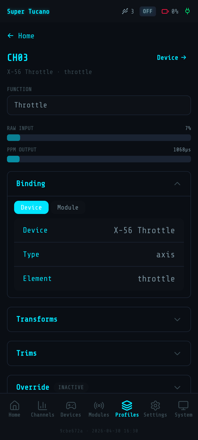
Bind Channels
See raw USB input and live PPM output for every channel.
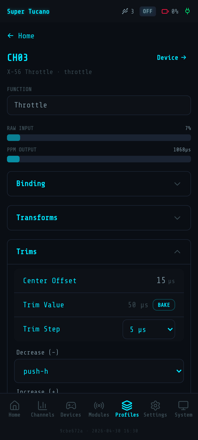
Trim & Bake
Per-channel trims with one-tap BAKE into the profile.
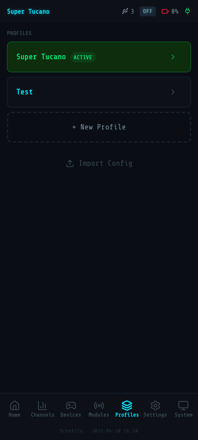
Switch Profiles
Multiple aircraft, one tap to load full configuration.
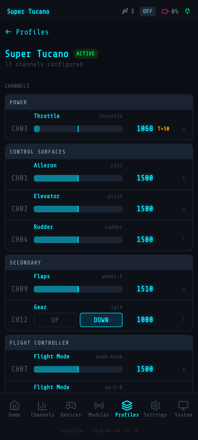
Group Channels
Logical groups for power, control surfaces and accessories.
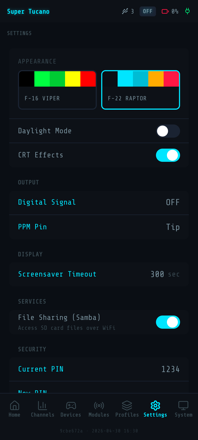
Custom Themes
F-16 Viper, F-22 Raptor or daylight mode — pick your cockpit.
Magic Box v2 Demo
From setup to flight — the full story in one watch.
See It in Action
Real builds, real flights — Magic Box on the bench and in the air.
Super Tucano in the Garden
Backyard maneuvers with full HOTAS controls — Magic Box driving an FMS Super Tucano.
Super Tucano Maiden
First flight piloted with HOTAS through Magic Box — real RC, real controls.
End of the Season 2025
Wrapping up the season with Magic Box in real flight — part 1.
Quick Specs
What Pilots Say After Their First Flight
OMG THIS IS SOOO FRIGGIN COOOL
Austria — Virpil stick + BRD pedals, fixed-wing FPV
Flew great and felt very natural on the controls. Magic Box is working great.
USA — Heewing T2 VTOL with Thrustmaster Warthog
So stoked to even just have this.
Australia — early test flight
Frequently Asked Questions
Ready to Fly With Real Controls?
SilverFox Magic Box v2.6.0 — fly your real RC plane with your sim HOTAS. Works with your existing RC gear. Ships worldwide via FedEx/UPS.
Questions? Join 130+ pilots in our
Facebook group or email
[email protected].
Compatible with Thrustmaster, Logitech, VKB, Virpil, WinWing and most USB HID controllers.